Onboarding
Welcome to Birdie — we’re so glad you’re here. Birdie was created to help single mothers connect, find support, and build real friendships — both online and in real life. Here’s how to get started and make the most of your new community.
🌸 Step 1: Join the Community
1. Go to joinbirdie.co
2. Click “Join Now”
3. Create your account and select your membership level (monthly or yearly)
4. Once you’ve joined, you’ll receive a confirmation email with next steps.
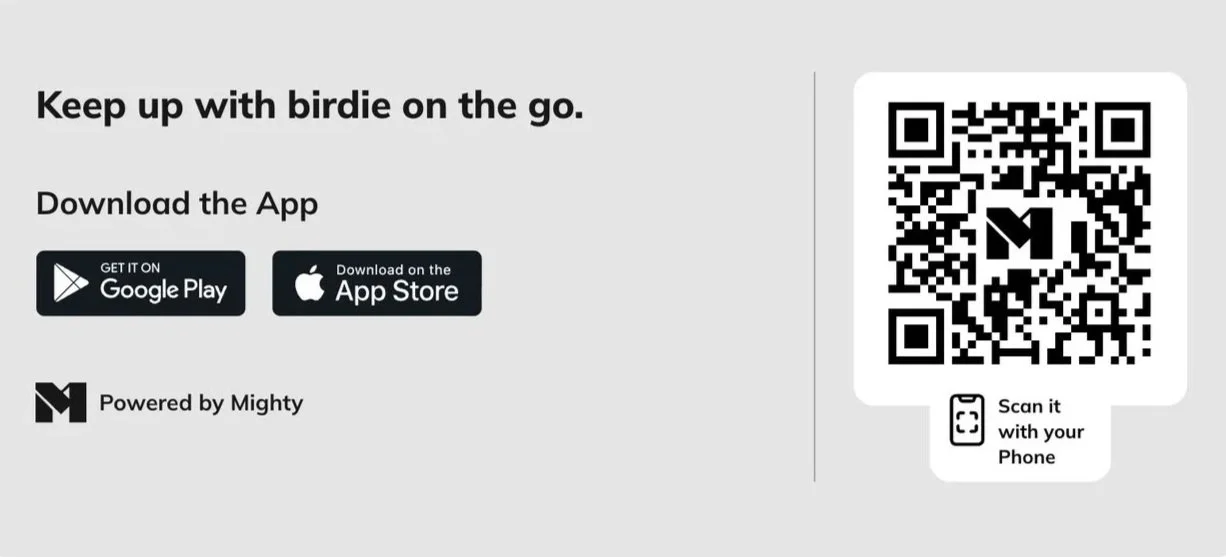
📲 Step 2: Download the Mighty App
1. Download the Mighty Networks app from the App Store or Google Play
2. Open the app and sign in using the same email and password you used to join Birdie
3. Search for “Birdie Community” if it doesn’t open automatically
4. You’re in — welcome home!
💬 Step 3: Visit the Welcome Space
Start in our Welcome Space inside the app. There you’ll find:
- A quick walkthrough of how to navigate the community
- Tips for posting, commenting, and messaging
- A guide on community values and what to expect
👋 Step 4: Introduce Yourself
Head to the “Introduce Yourself” thread in the Welcome Space and tell us a little about you — your name, where you’re from, and something you love about being a mom (or just being you). This helps others find you and start connecting right away.
🪶 Step 5: Join Groups & Cities
Explore groups based on your needs, interests, or local area — like:
- Finance Tips
- Co-Parenting
- Mama Swap
- Location-Based Groups
To join, simply click “Join Group” on any Flock or City that resonates with you.
If your City or Flock doesn’t exist yet, you can submit a request here (link to come).
🌍 Step 6: Engage, Share & Connect
Start commenting, sharing stories, or attending events. Every post, question, and encouragement helps other moms feel less alone. Whether it’s a mom hack, a moment of joy, or something real you’re struggling with — you belong here.
💗 Need Help?
If you run into any issues or have questions, our team is here to help.
Reach out anytime at hello@joinbirdie.co.